 AI Upscale
AI Upscale › Guides
How to increase image resolution up to 4K and 8K
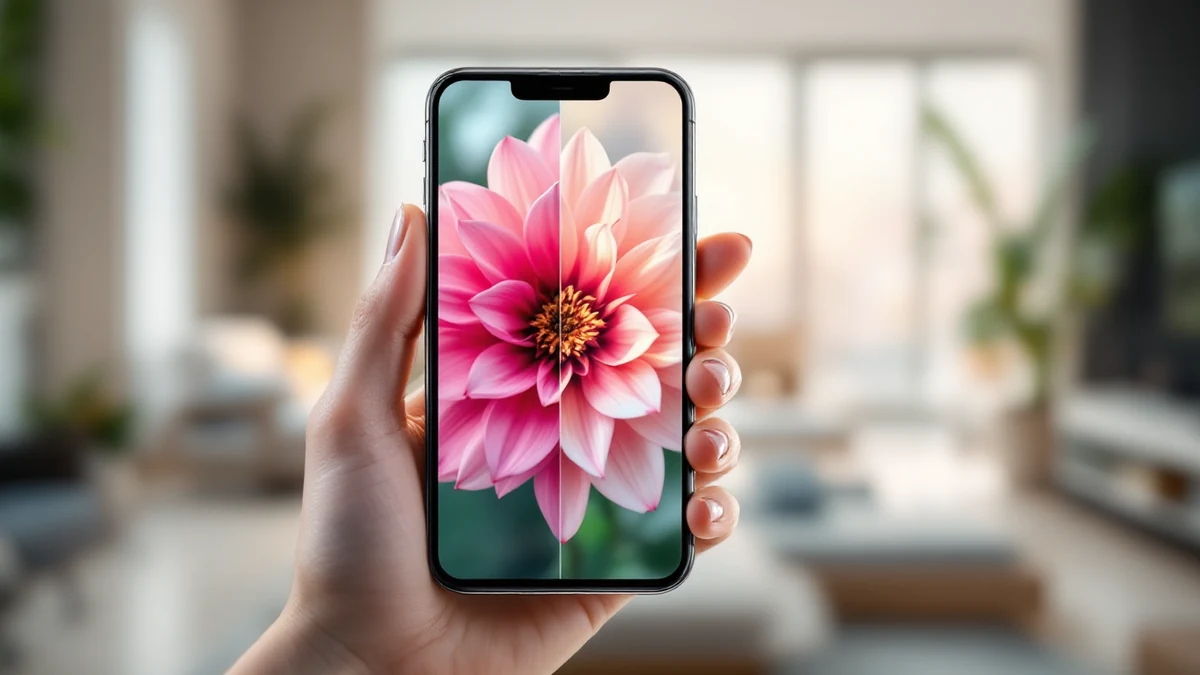
Zoomed in and hit a wall of pixels? Resolution is just the number of pixels your file contains — and AI can now generate the missing ones convincingly.
Unlike simple resizing, which stretches existing pixels, AI Upscale predicts and paints real detail as it enlarges, turning a small image into a genuinely high-resolution one.


Fix it in minutes with AI Upscale
Free to try — no watermark on standard results.


Step-by-step
- Get the app. Download AI Upscale free from the App Store or Google Play.
- Pick a photo. Import any image from your camera roll, even old scans and screenshots.
- Choose mode & factor. Set the upscale factor: 2× doubles resolution, 4× reaches 4K-class from a typical photo, 8×–10× pushes toward 8K.
- Enhance & save. Let the AI work for a few seconds, compare before/after, then save or share.
Pro tips
- Start from the largest original you have — more input detail means better output.
- For web use, 2×–4× is usually enough; save 8×+ for printing and cropping.
Try it on your own photos
Free to try — no watermark on standard results.