 AI Upscale
AI Upscale › Guides
How to unblur a photo and make blurry pictures clear
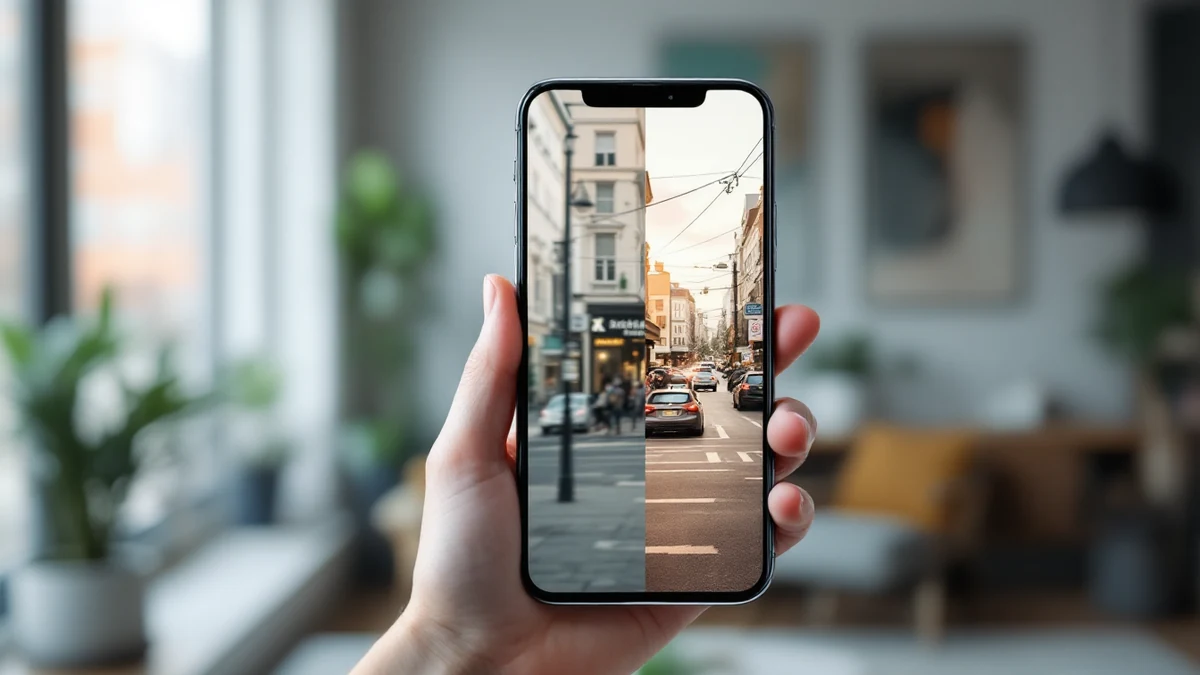
Camera shake, a missed focus, a moving subject — blur happens to everyone's best shots. The good news: modern AI can reverse most of it.
AI Upscale's deblur engine detects the type of blur in your photo and reconstructs sharp edges and facial detail, instead of just cranking up a sharpness slider.


Fix it in minutes with AI Upscale
Free to try — no watermark on standard results.


Step-by-step
- Get the app. Download AI Upscale free from the App Store or Google Play.
- Pick a photo. Import any image from your camera roll, even old scans and screenshots.
- Choose mode & factor. Pick Selfie mode for blurry faces, or General mode for everything else — then tap Enhance.
- Enhance & save. Let the AI work for a few seconds, compare before/after, then save or share.
Pro tips
- For badly blurred faces, run the photo twice: once to deblur, once at 2× to rebuild fine detail.
- Motion blur across the whole frame recovers better than extreme close-up blur — but both improve noticeably.
Try it on your own photos
Free to try — no watermark on standard results.