 AI Upscale
AI Upscale › Guides
The best photo enhancer app for iPhone
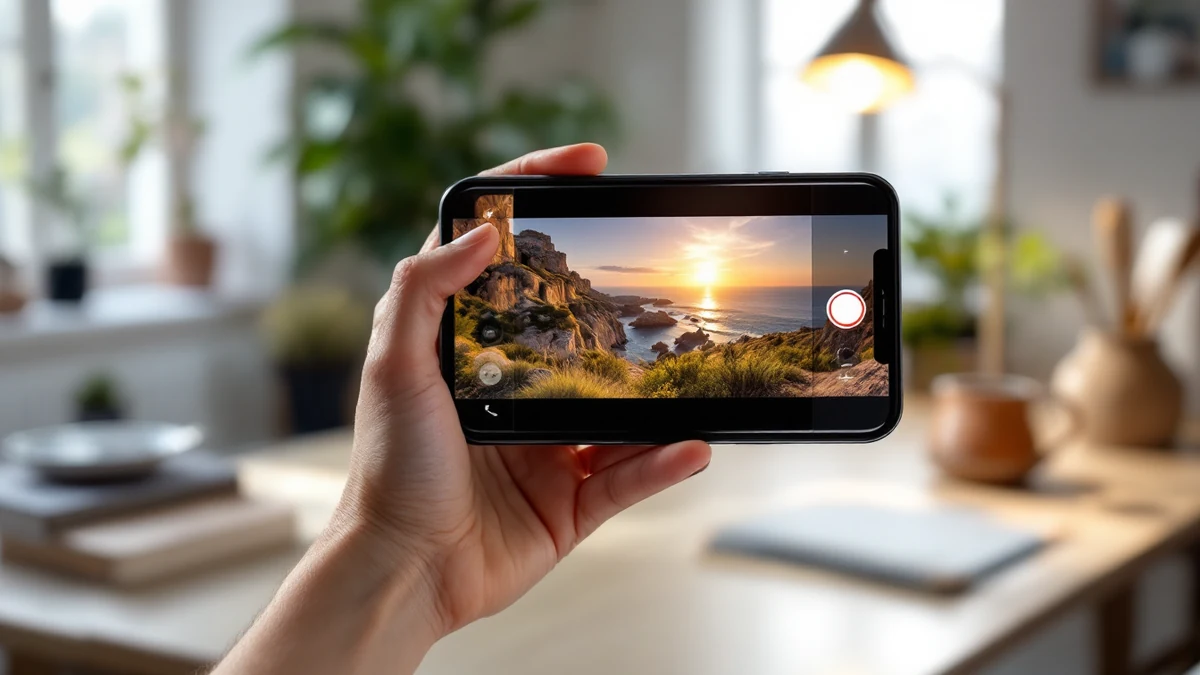
If you searched “best photo enhancer for iPhone”, you'll find dozens of nearly identical apps — most with aggressive weekly subscriptions and watermarked exports.
AI Upscale takes a different path: a 4.5★ rating, upscaling up to 8K, dedicated Selfie/Anime/Object modes, end-to-end encryption, and native support for iPhone, iPad, Mac (Apple Silicon) and even Vision Pro.
Fix it in minutes with AI Upscale
Free to try — no watermark on standard results.


Step-by-step
- Get the app. Download AI Upscale free from the App Store or Google Play.
- Pick a photo. Import any image from your camera roll, even old scans and screenshots.
- Choose mode & factor. On iPhone, allow photo access when prompted, then enhance directly from your camera roll. Results save back to Photos in full resolution.
- Enhance & save. Let the AI work for a few seconds, compare before/after, then save or share.
Pro tips
- Also on iPad and Mac: one purchase covers your Apple devices.
- iOS 13 or later is all you need — the heavy AI runs in the cloud, encrypted end-to-end.
Try it on your own photos
Free to try — no watermark on standard results.