 AI Upscale
AI Upscale › Guides
How to enhance photo quality with AI
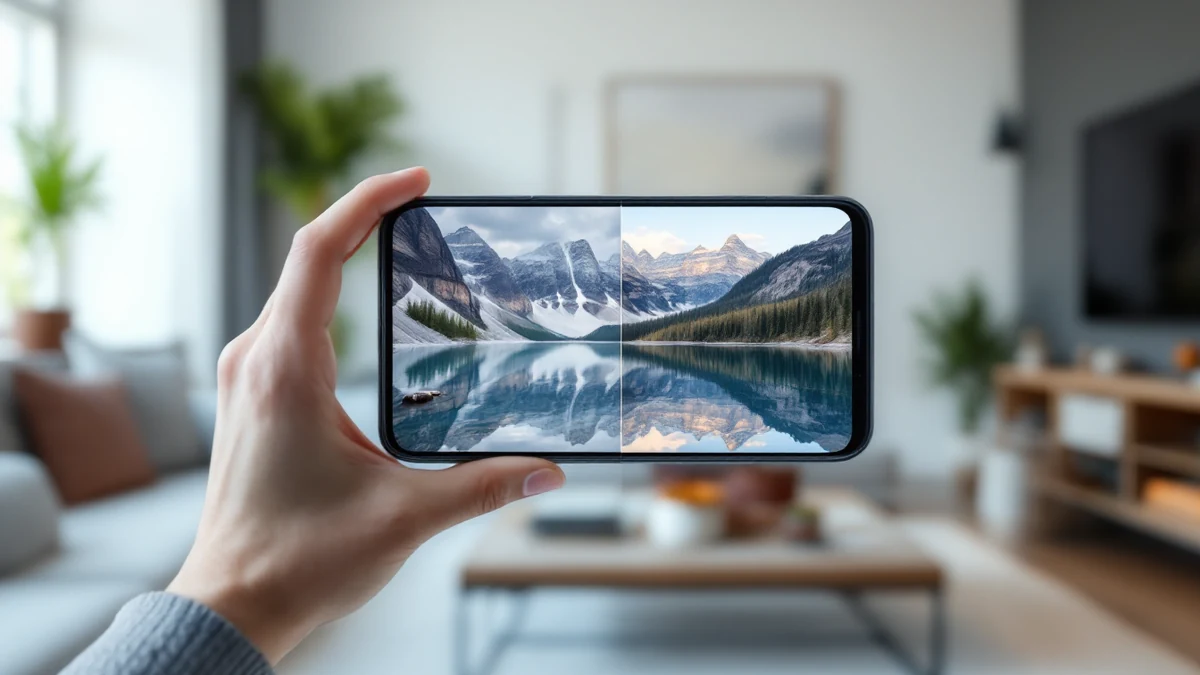
A great moment shouldn't be ruined by a low-quality file. Whether it's a compressed WhatsApp image, an old screenshot, or a photo from an aging phone camera, an AI photo enhancer can rebuild the detail your file lost.
AI Upscale analyzes your image, removes noise and compression artifacts, sharpens edges and intelligently adds detail — no manual editing skills required.
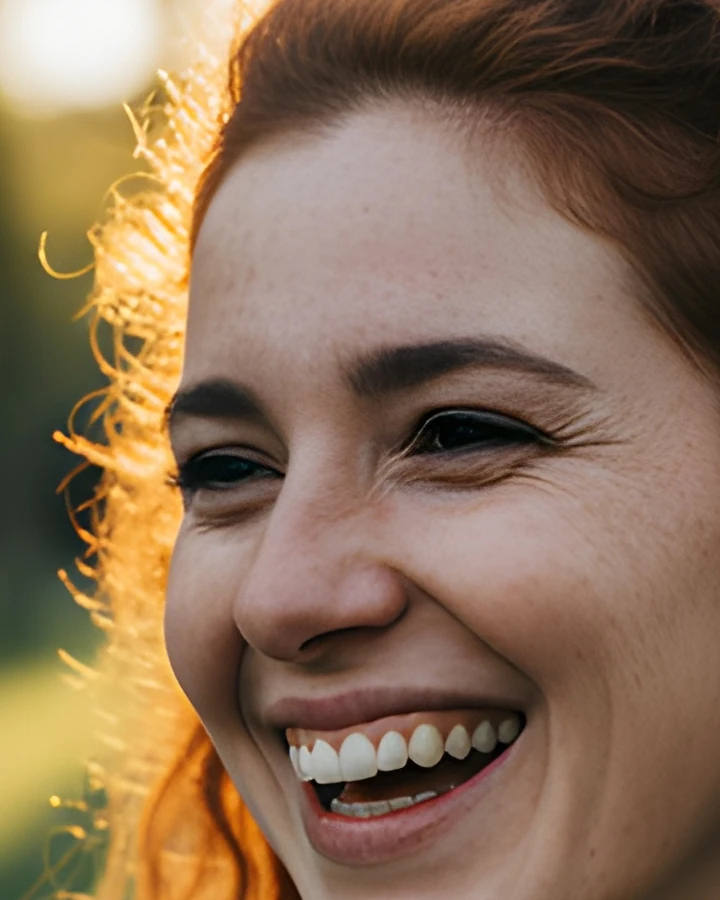

Fix it in minutes with AI Upscale
Free to try — no watermark on standard results.


Step-by-step
- Get the app. Download AI Upscale free from the App Store or Google Play.
- Pick a photo. Import any image from your camera roll, even old scans and screenshots.
- Choose mode & factor. Choose General mode for everyday photos. Set the upscale factor to 2× or 4× for a noticeable quality jump.
- Enhance & save. Let the AI work for a few seconds, compare before/after, then save or share.
Pro tips
- Pixelated download from social media? Run it at 4× — the AI removes compression blocks while enlarging.
- Compare with the before/after slider before saving, so you keep only results you love.
Try it on your own photos
Free to try — no watermark on standard results.