
The AI photo enhancer that makes every image sharp again
AI Upscale enlarges images up to 10× (8K), fixes blur, restores old photos and sharpens selfies. A few seconds per photo, on iPhone, iPad or Android.


Before and after
Drag the slider to compare.
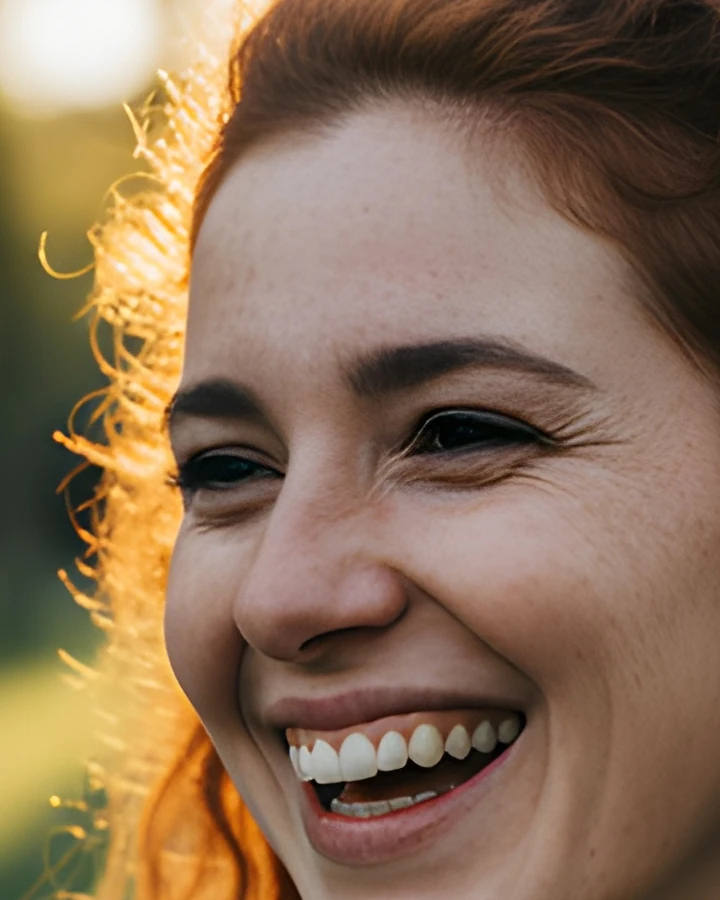


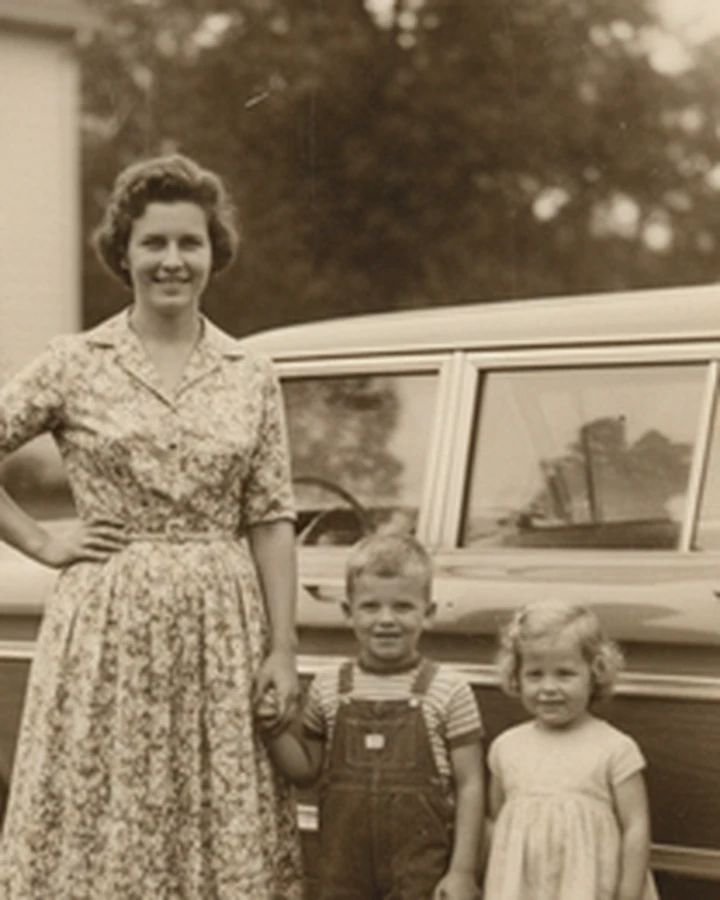
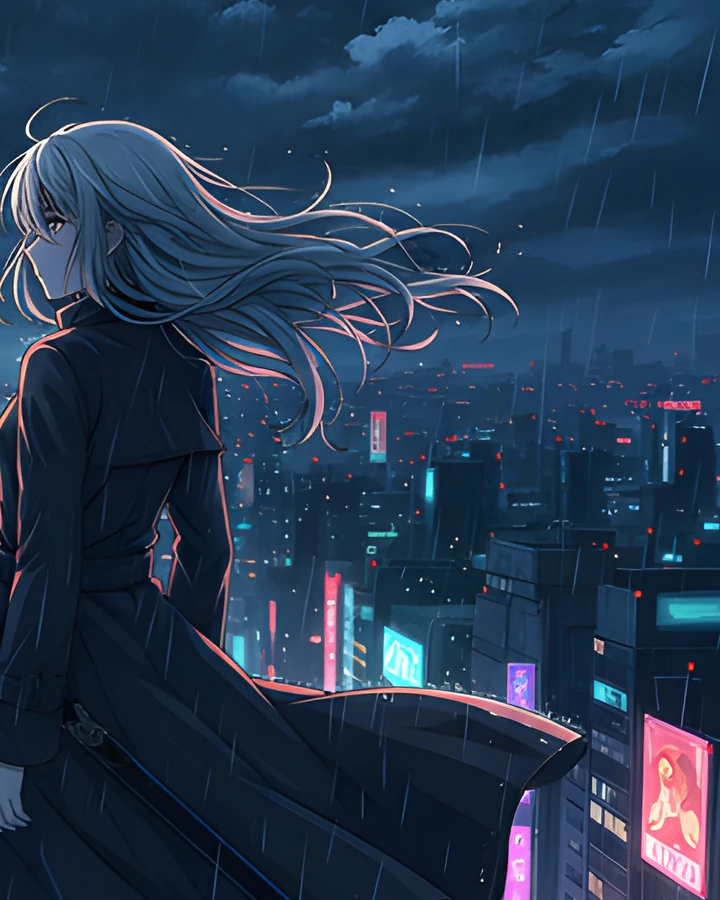
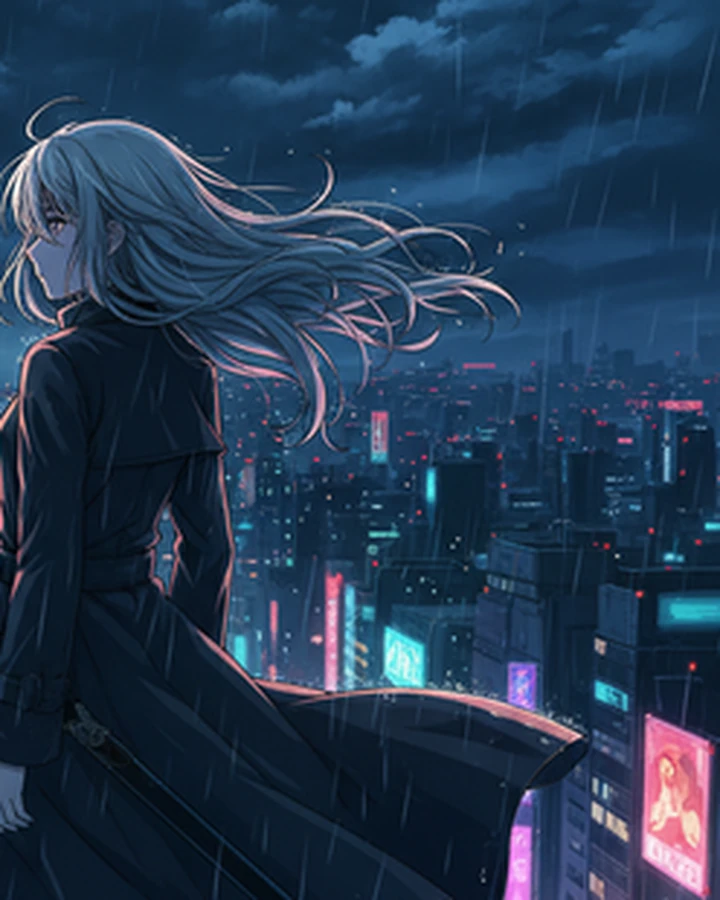
Real exports from the app, shown at 1:1 detail. The “before” is the untouched original at the same zoom — nothing else was done to either side.
Inside the app
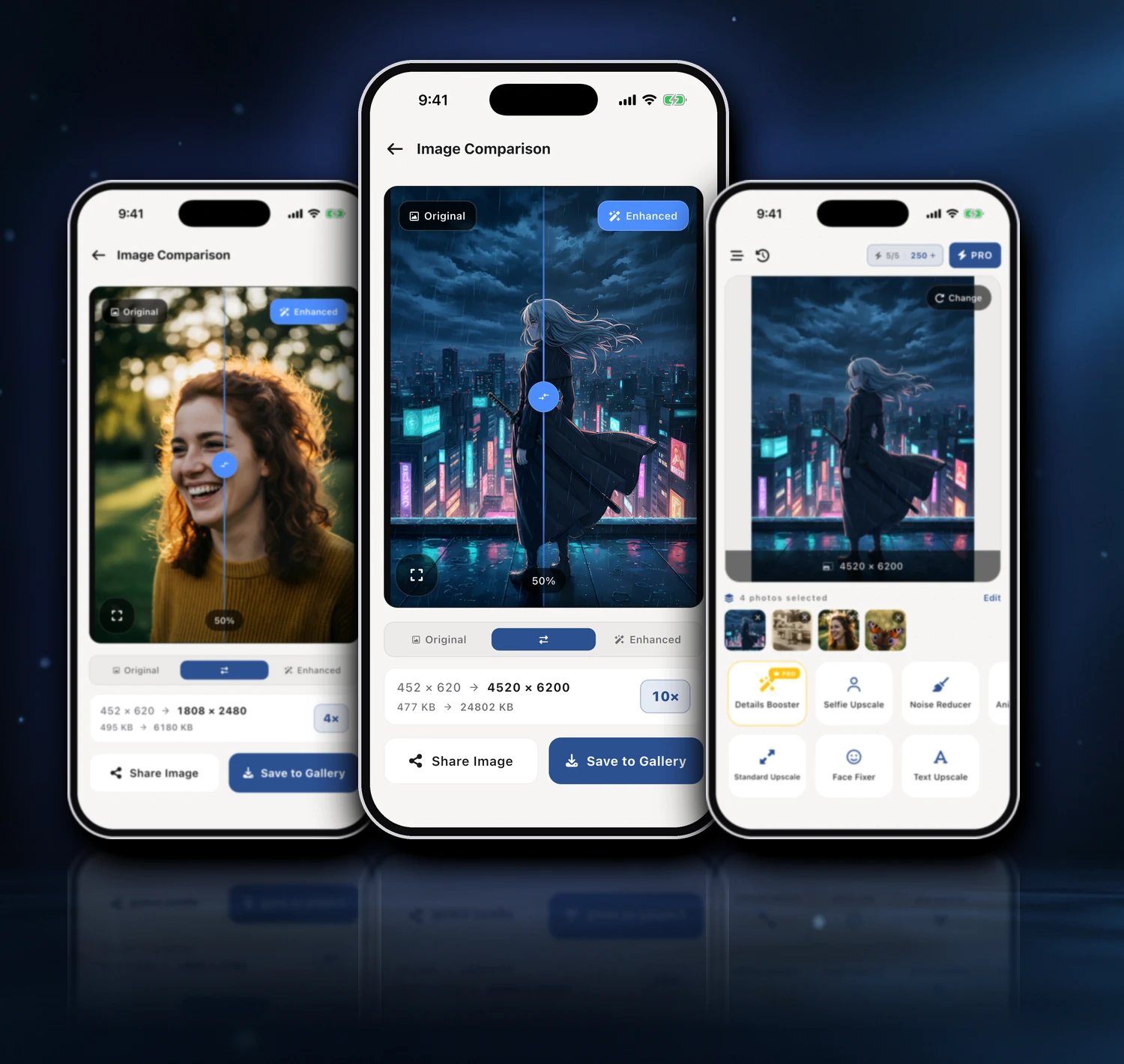
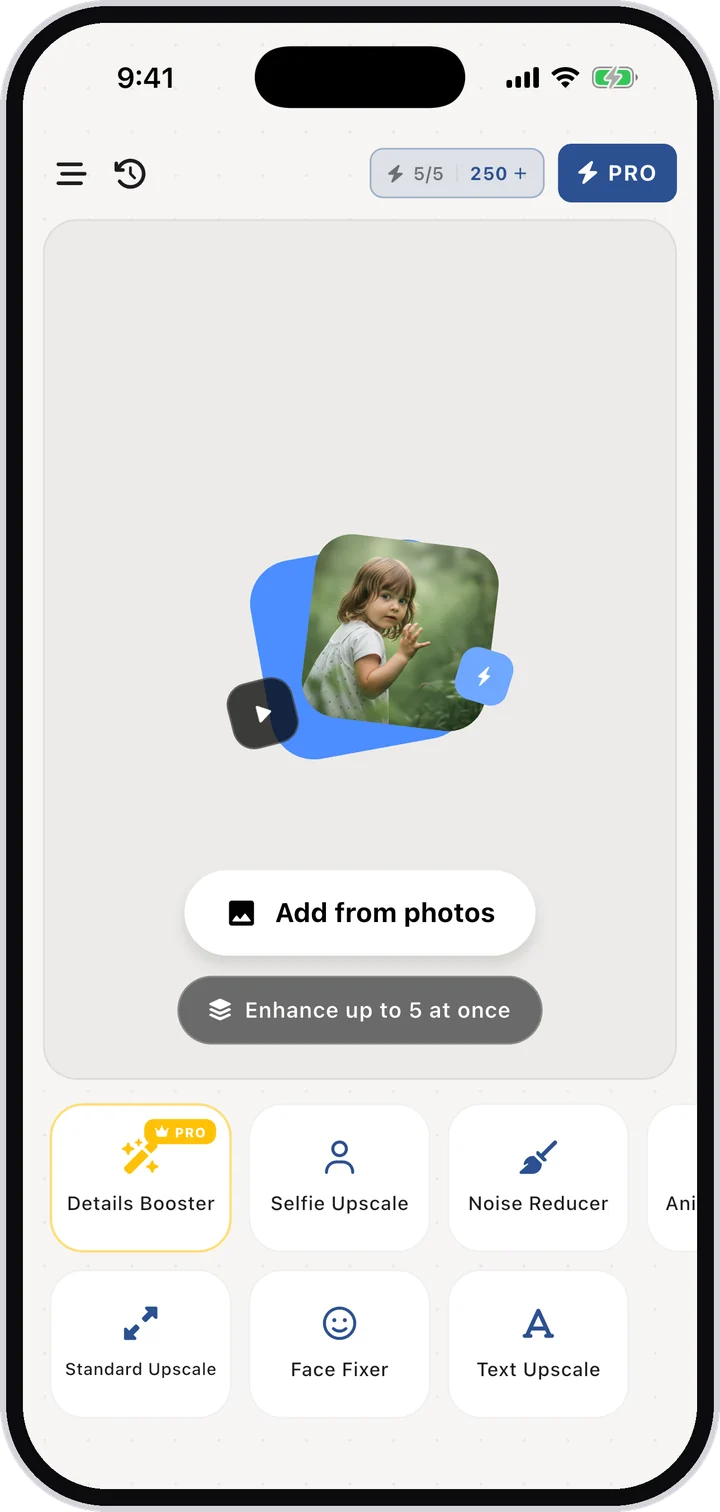
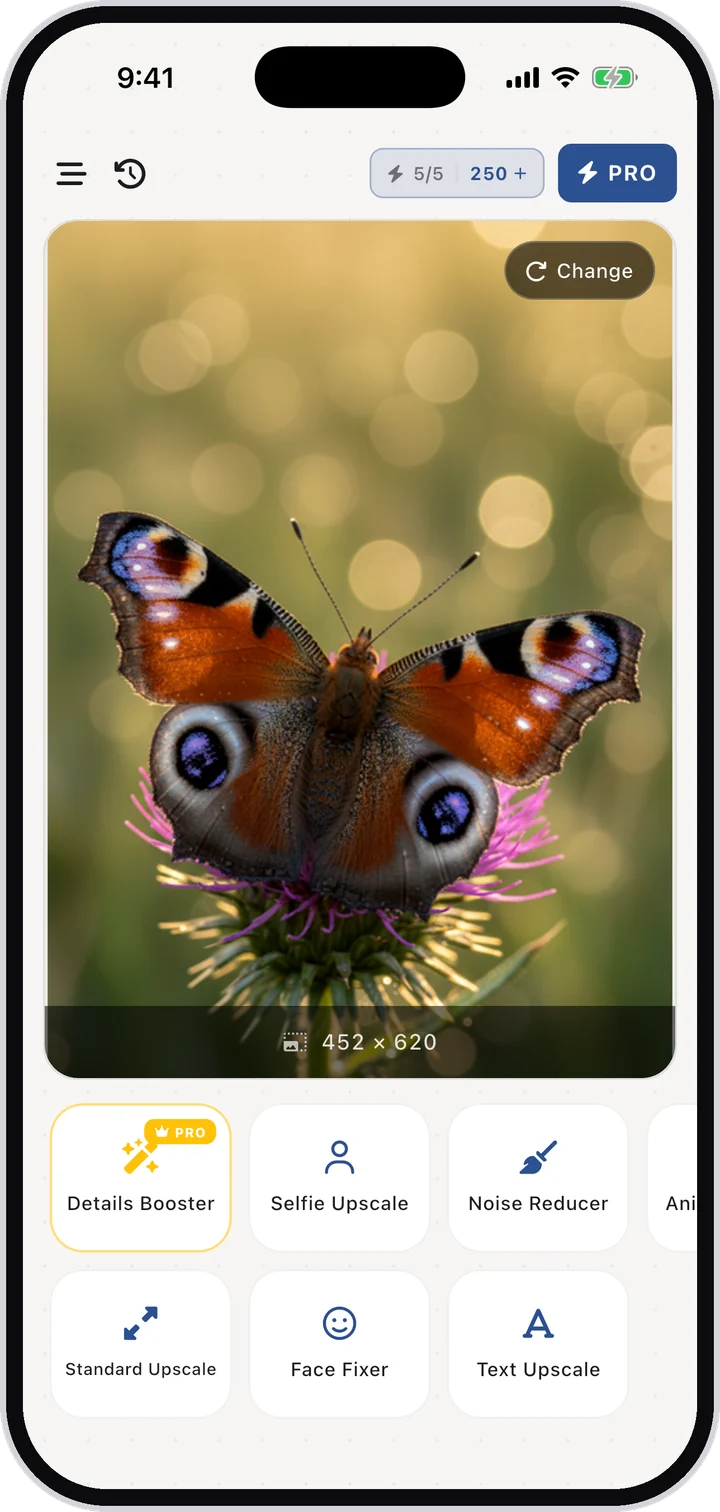
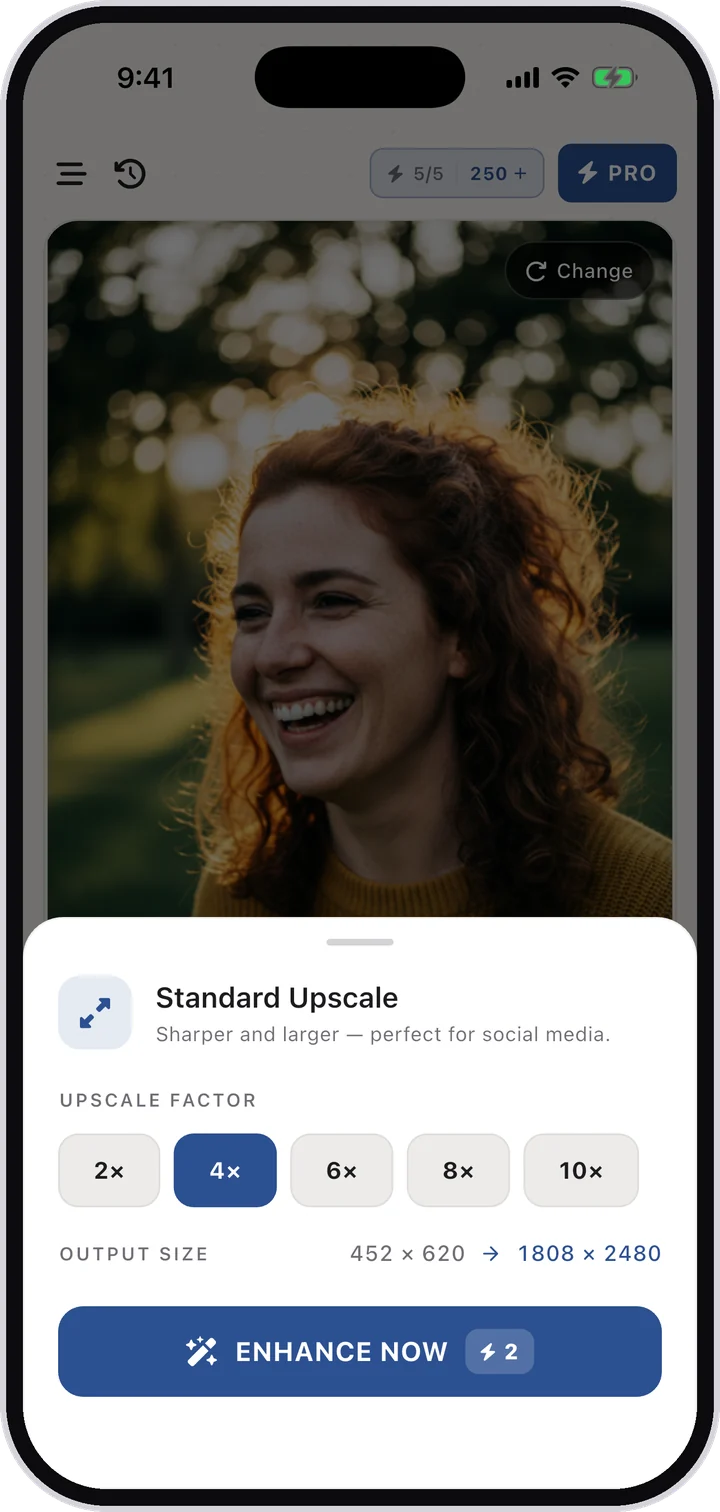
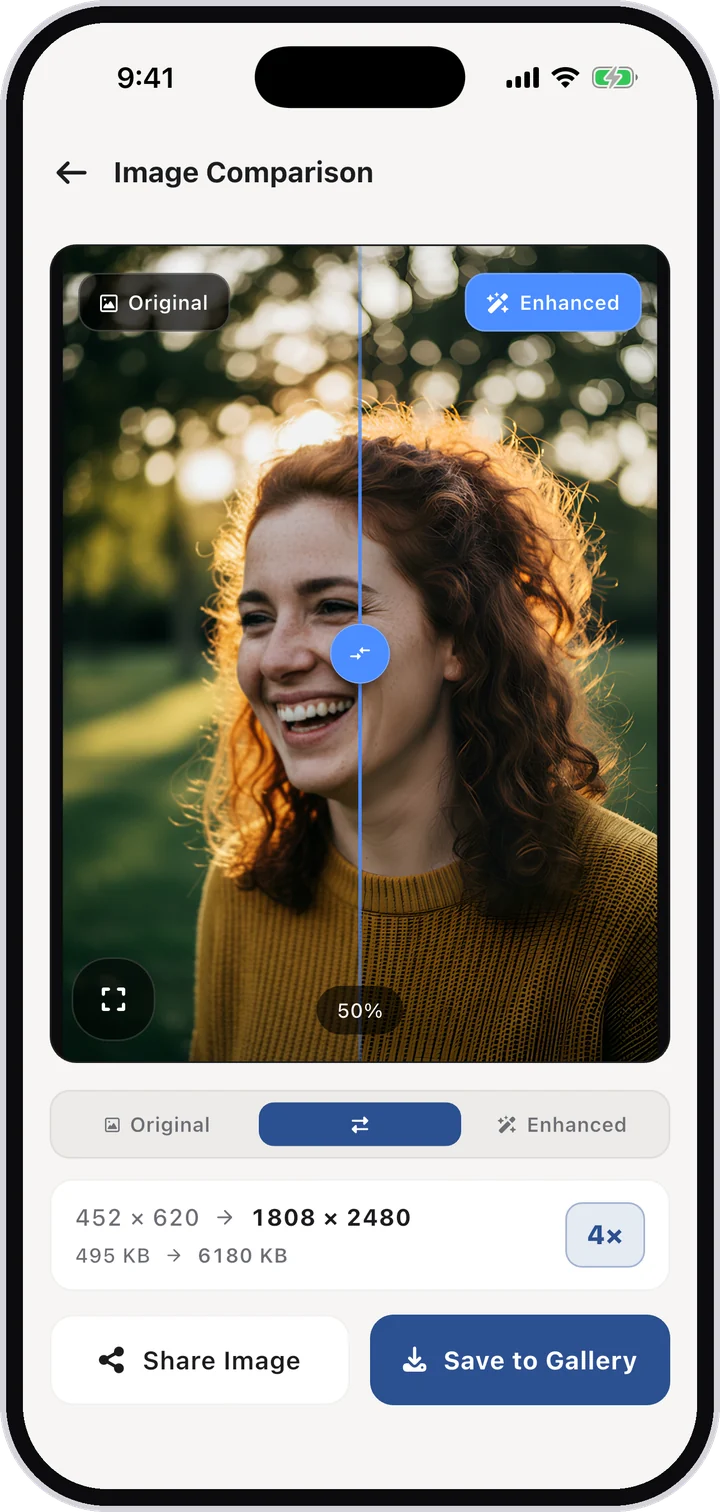
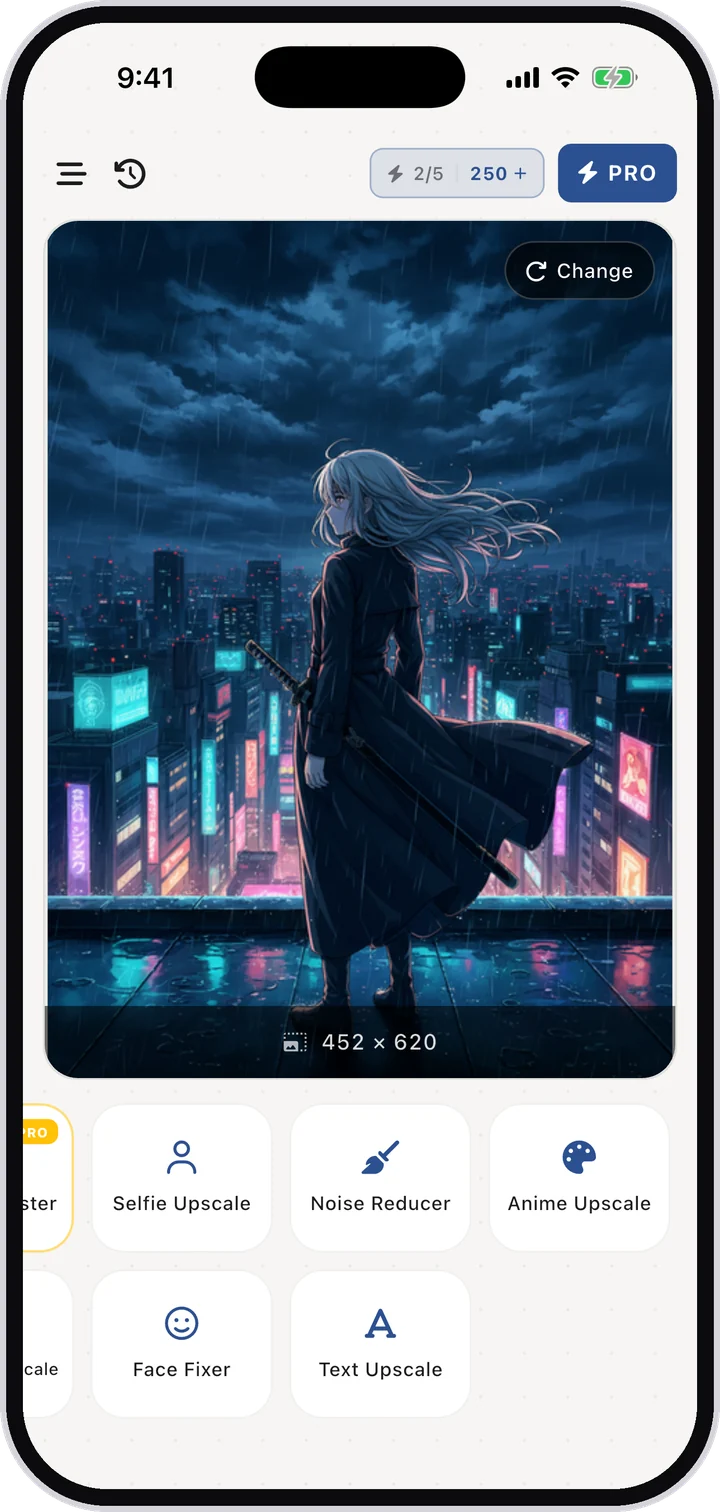
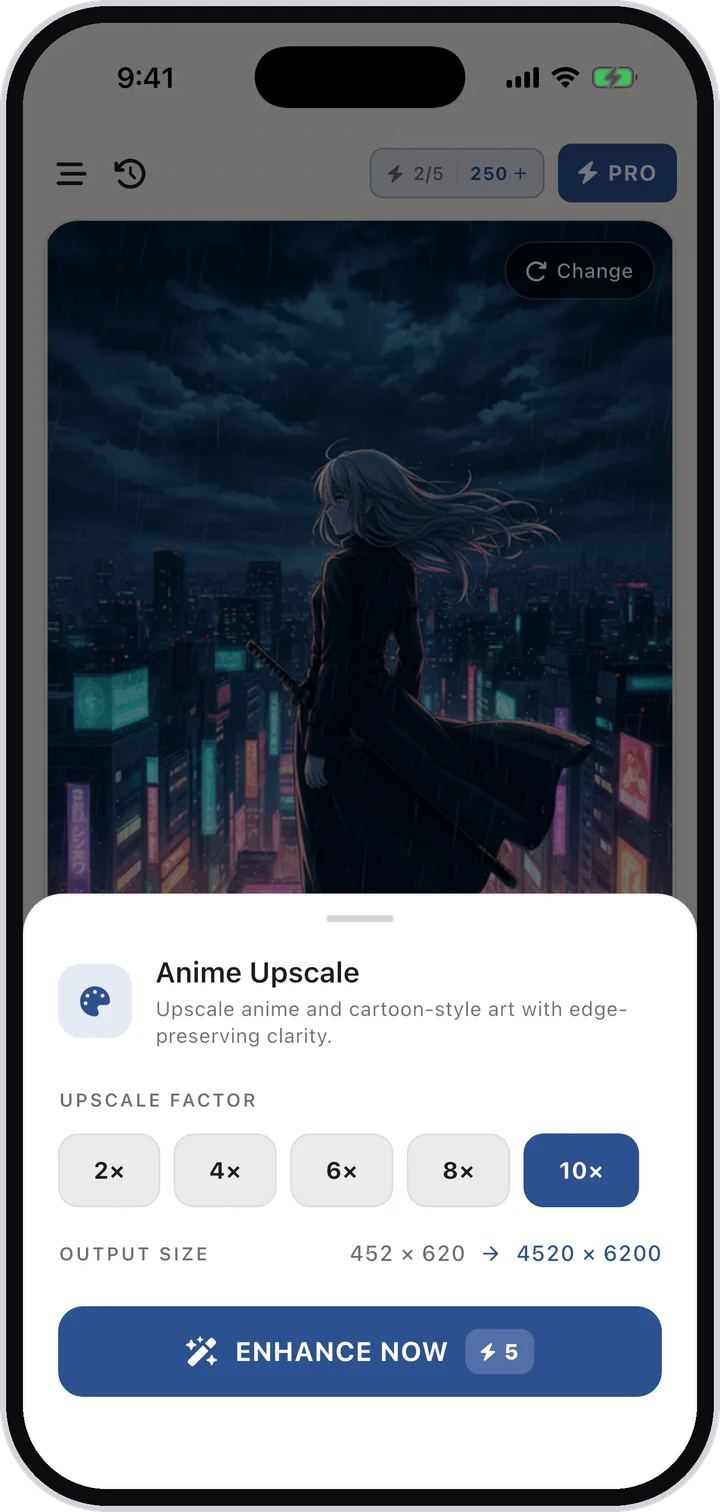
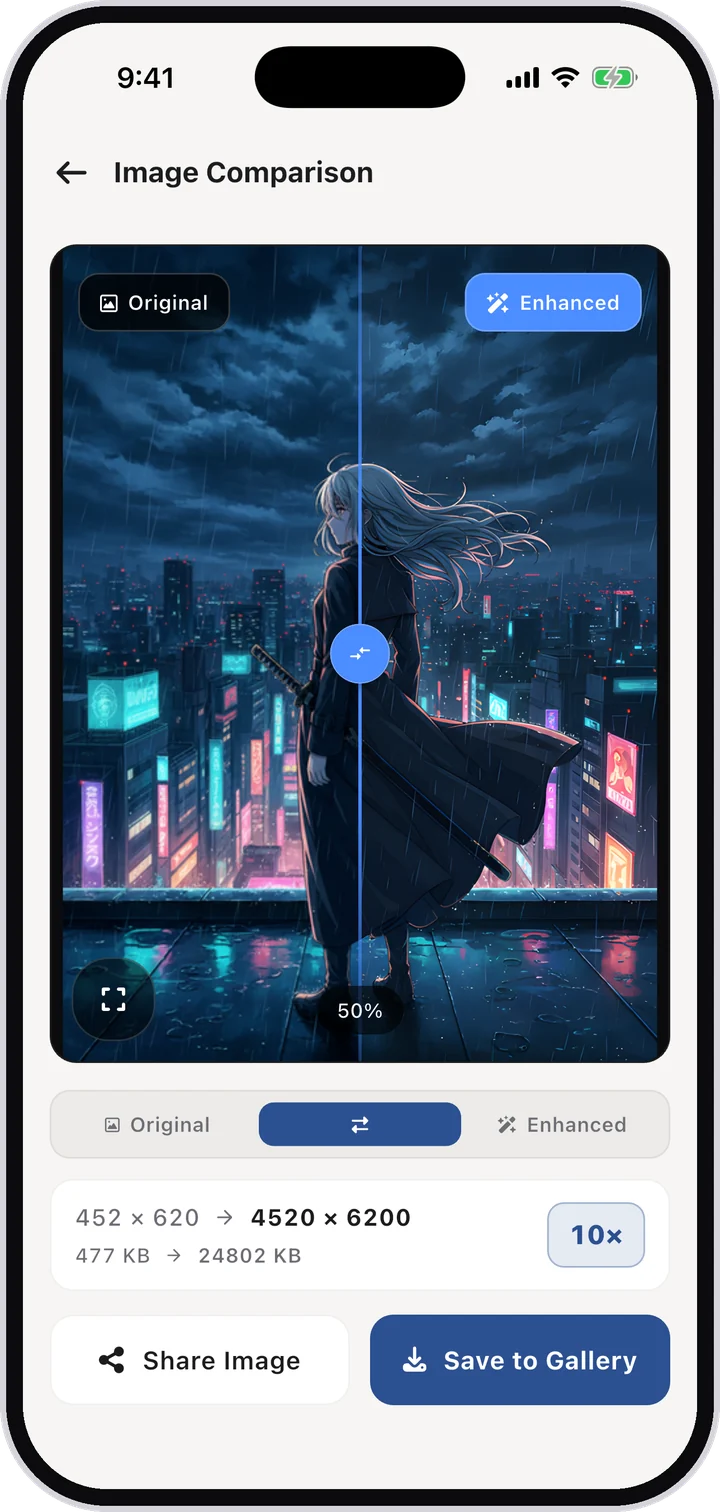
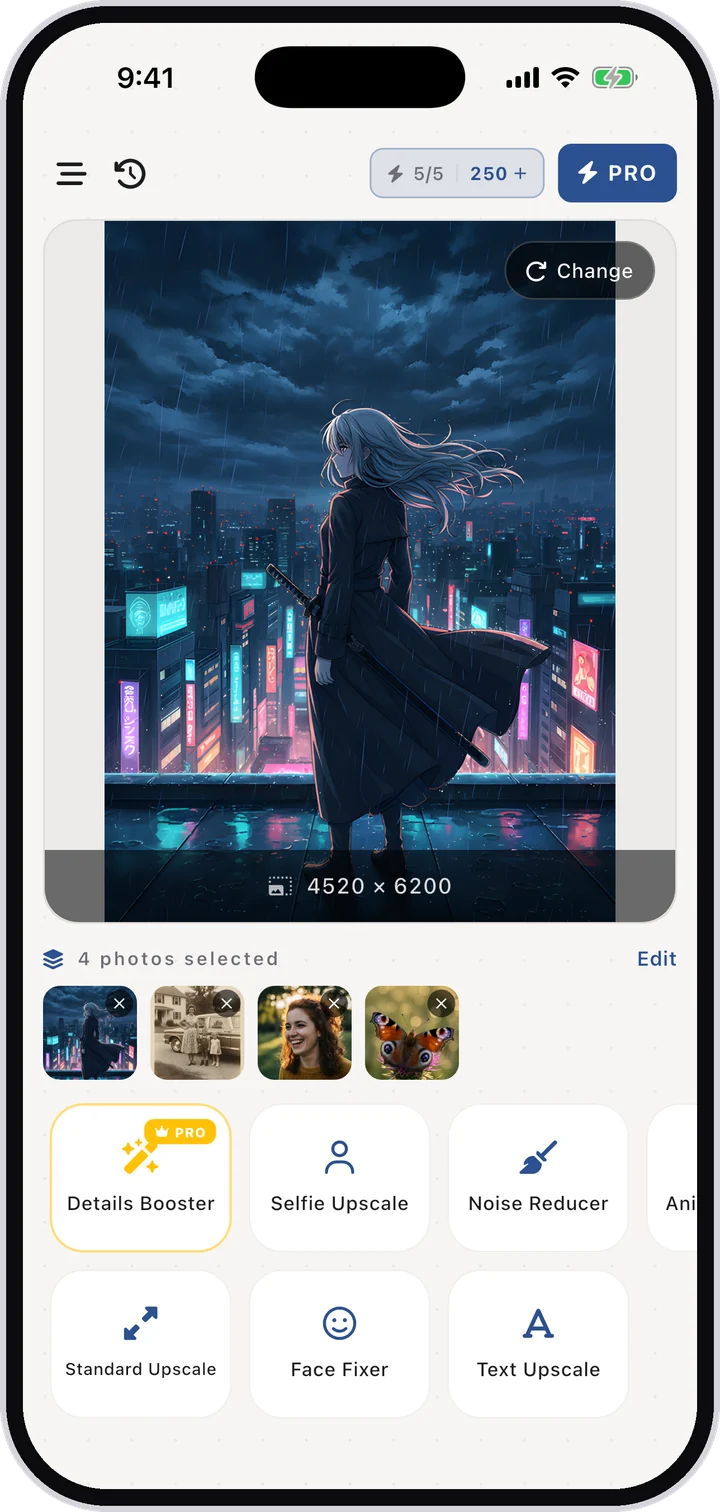
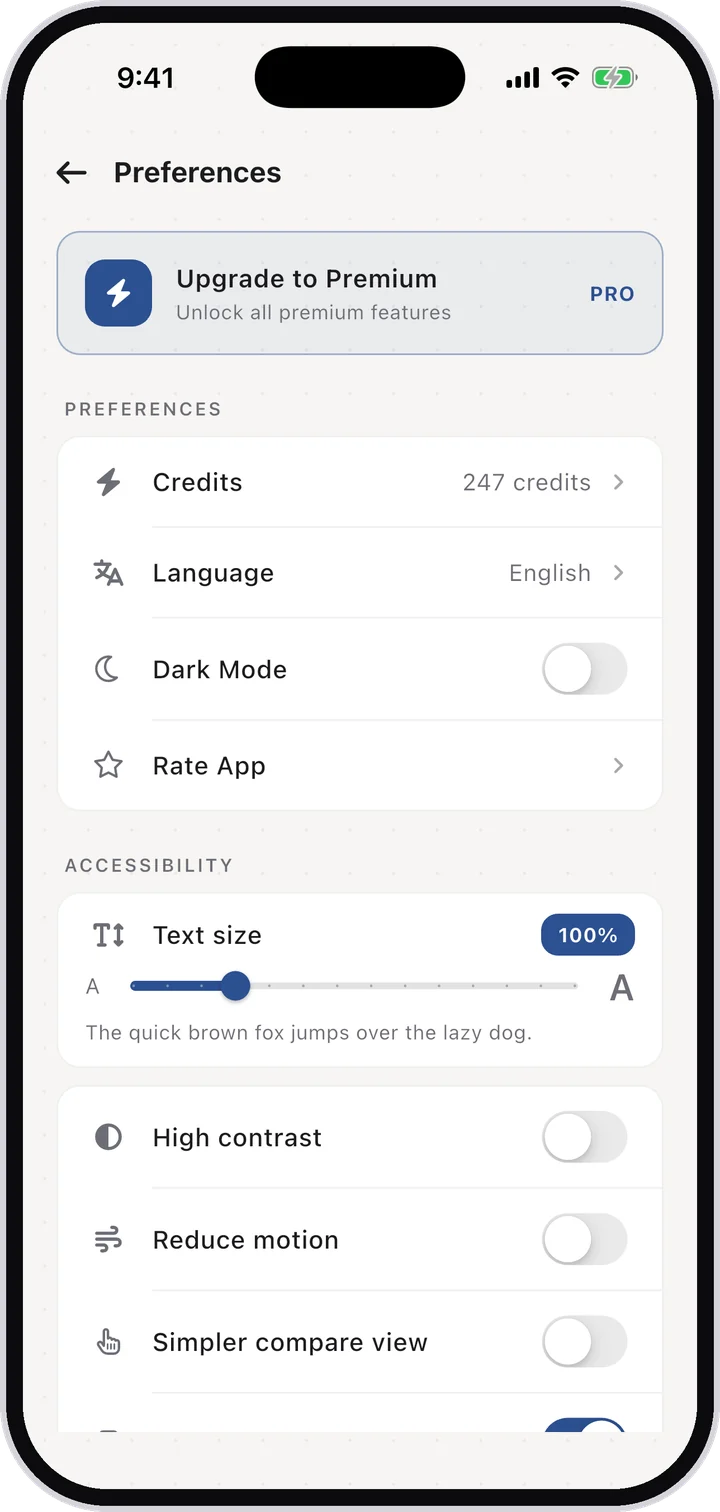
Real screens from AI Upscale on iPhone — the tools, the upscale factors and the built-in before/after slider.
Everything you need to rescue any image
Upscale up to 10×
Standard Upscale runs at 2×, 4×, 6×, 8× or 10×. A 452 × 620 snapshot comes back at 4520 × 6200 — enough to crop into, print or blow up.
Details Booster
Enhance fine textures and sharpen every detail at 4× resolution. The fix for shots that came out soft.
Face Fixer
Enhance and restore facial features with AI — built for scanned family photos where the faces have gone soft.
Noise Reducer
Remove grain and scratches using AI restoration, for low-light frames and damaged prints.
Anime Upscale
Upscale anime and cartoon-style art with edge-preserving clarity, so line work stays crisp instead of smudged.
Selfie Upscale
Beautify and enhance selfies with smart face refinement — natural-looking, not plastic.
Text Upscale
Sharpen blurry or scanned text so receipts, notes and documents become readable again.
Private by design
End-to-end image encryption while the AI works, and no watermark on your results.
How it works
Get the app
Download AI Upscale free from the App Store or Google Play.
Pick a photo
Import any image from your camera roll, even old scans and screenshots.
Choose mode & factor
Standard Upscale, Details Booster, Selfie Upscale, Face Fixer, Noise Reducer, Text Upscale or Anime Upscale — then set 2× to 10×.
Enhance & save
Let the AI work for a few seconds, compare before/after, then save or share.
Download AI Upscale
Free to download on both stores. Scan a QR code with your phone camera to jump straight to the right store.


Guides & how-tos
Step-by-step answers to the most common photo quality problems.
How to enhance photo quality with AI
A great moment shouldn't be ruined by a low-quality file. Whether it's a compressed WhatsApp image, an old screenshot, or a photo from an aging phone …
Learn more →How to unblur a photo and make blurry pictures clear
Camera shake, a missed focus, a moving subject — blur happens to everyone's best shots. The good news: modern AI can reverse most of it.…
Learn more →How to increase image resolution up to 4K and 8K
Zoomed in and hit a wall of pixels? Resolution is just the number of pixels your file contains — and AI can now generate the missing ones convincingly…
Learn more →How to enlarge an image without losing quality
Classic resizing makes images bigger but blurrier — every editor just stretches the same pixels. That's why enlarged prints come back looking soft or …
Learn more →How to restore old photos with AI
Shoeboxes of prints, faded albums, blurry scans — old family photos carry memories that deserve better than slow fading.…
Learn more →How to upscale anime images and digital art
Generic photo enhancers ruin anime: they treat clean line-work like photographic texture and produce smudged, waxy results. Illustration needs a model…
Learn more →How to sharpen a blurry selfie with AI
Front cameras are weaker than rear ones, and low light makes it worse — so the photos you use most, your selfies and profile pictures, are often the s…
Learn more →A free AI photo enhancer — without the watermark catch
Most “free” enhancer apps stamp a watermark on your result or lock every useful feature behind a paywall before you've even tested them.…
Learn more →The best photo enhancer app for iPhone
If you searched “best photo enhancer for iPhone”, you'll find dozens of nearly identical apps — most with aggressive weekly subscriptions and watermar…
Learn more →The best photo enhancer app for Android
Android's Play Store is flooded with “HD enhancer” apps that are little more than sharpen filters wrapped in ads. A real AI upscaler rebuilds detail i…
Learn more →Frequently asked questions
Is AI Upscale available on Android?
Yes. The app is on Google Play as “Upscale: Enhance photo quality”. It is free to download and works on Android phones and tablets.
Is AI Upscale available on iPhone and iPad?
Yes. “AI Upscale: Enlarge Images” is on the App Store for iPhone, iPad, Mac (Apple Silicon) and Apple Vision Pro, rated 4.5 stars.
How can I make a blurry picture clear?
Open the photo in AI Upscale, pick the mode that matches your image and tap Enhance. The AI removes blur from camera shake or bad focus in seconds.
Can I upscale an image to 4K or 8K?
Yes. Standard Upscale offers 2×, 4×, 6×, 8× and 10×. In the app a 452 × 620 image comes back at 4520 × 6200 on 10× — past 4K and into 8K-class resolution.
Is AI Upscale free?
The app is free to download and free to use for standard enhancements. An optional Pro subscription (from $3.99) unlocks the highest factors and batch work.
Can it restore old or damaged photos?
Yes. The restoration model repairs faded colors, scratches and soft focus in scanned family photos.
Does it work on anime and digital art?
Yes — Anime Upscale is a separate model for anime, cartoons and digital art, so line work keeps its edges instead of picking up the waxy photo look.
Can I enlarge a photo for printing without pixelation?
Yes. Upscale 4×–10× first, then print. The AI adds real detail so enlargements stay sharp instead of pixelated.
Are my photos private?
Yes. AI Upscale uses end-to-end encryption; your uploaded photos remain private and are not shared.
Does AI Upscale add a watermark?
No watermark is added to standard enhanced results, so your images are ready for printing, posting or selling.
Try it on your own photos
AI Upscale is free to download on iPhone, iPad and Android.