 AI Upscale
AI Upscale › Guides
How to restore old photos with AI
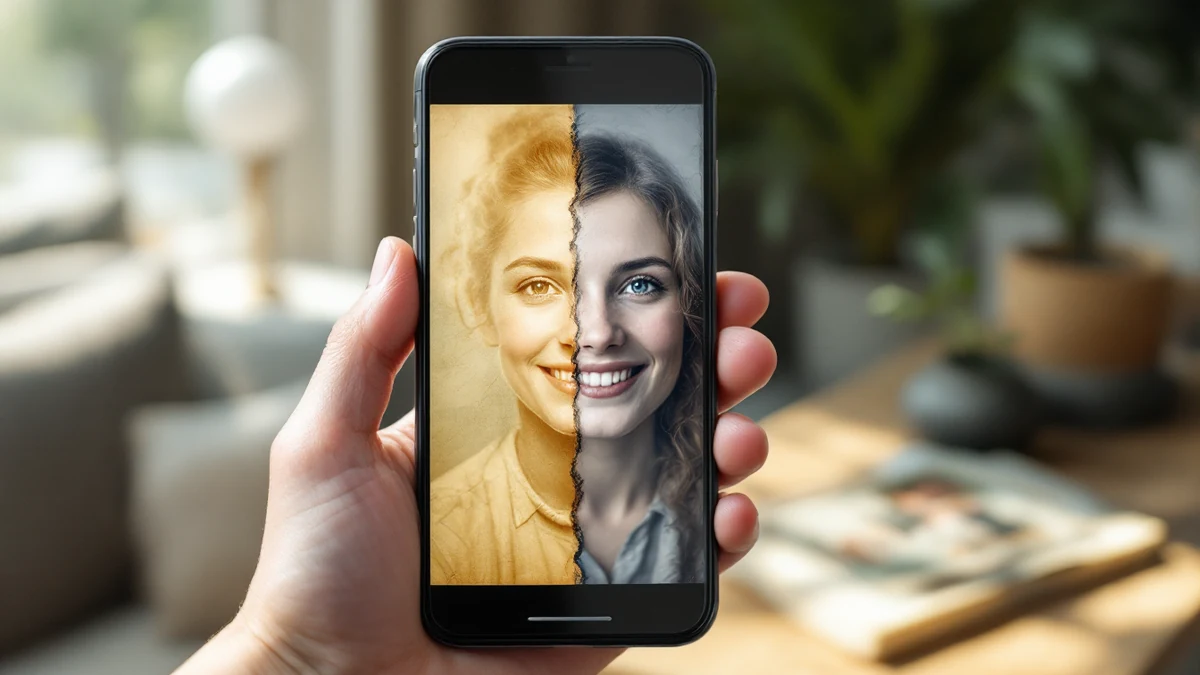
Shoeboxes of prints, faded albums, blurry scans — old family photos carry memories that deserve better than slow fading.
AI Upscale's restoration pipeline sharpens soft focus, rebuilds facial detail, lifts faded contrast and removes scan noise, turning a fragile print into a clean digital image you can reprint and share.
Fix it in minutes with AI Upscale
Free to try — no watermark on standard results.


Step-by-step
- Get the app. Download AI Upscale free from the App Store or Google Play.
- Pick a photo. Import any image from your camera roll, even old scans and screenshots.
- Choose mode & factor. Scan or photograph the old print in good light, then run General mode at 2×–4×. For portraits, Selfie mode rebuilds faces beautifully.
- Enhance & save. Let the AI work for a few seconds, compare before/after, then save or share.
Pro tips
- Photograph prints straight-on in daylight, without flash, to avoid glare before restoring.
- Very damaged photos benefit from two passes: restore first, then upscale for printing.
Try it on your own photos
Free to try — no watermark on standard results.