 AI Upscale
AI Upscale › Guides
How to sharpen a blurry selfie with AI
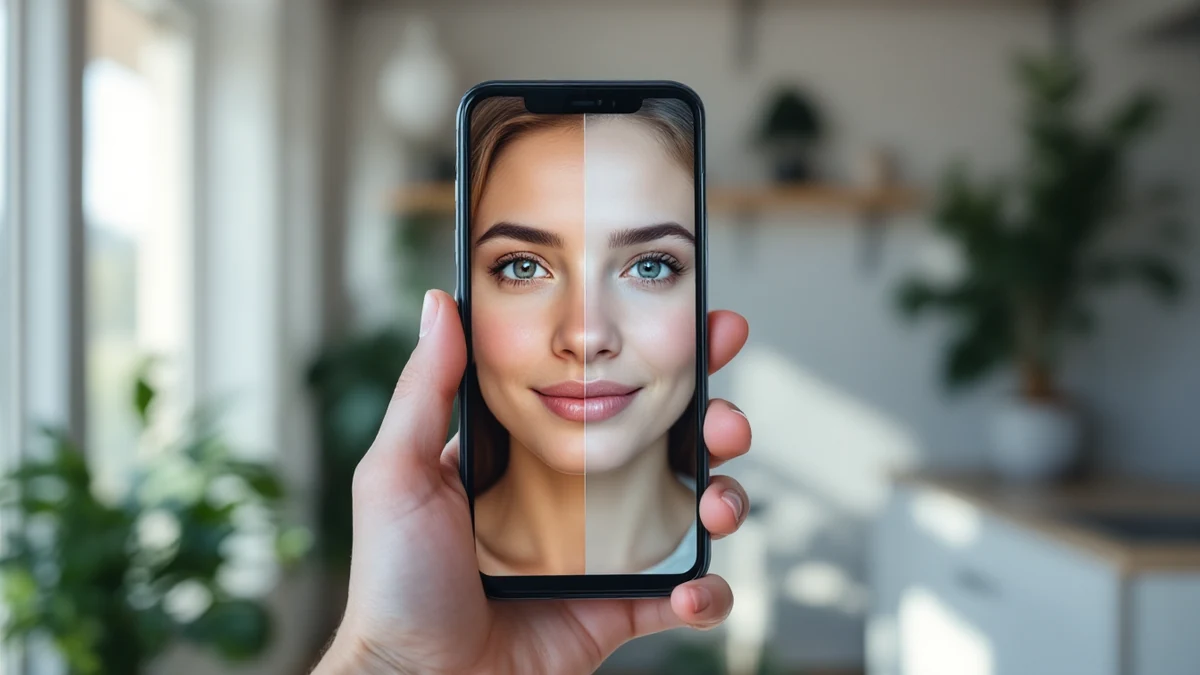
Front cameras are weaker than rear ones, and low light makes it worse — so the photos you use most, your selfies and profile pictures, are often the softest.
Selfie mode in AI Upscale is tuned for faces: it rebuilds eyes, hair and skin texture naturally, avoiding the plastic, over-filtered look of beauty apps.
Fix it in minutes with AI Upscale
Free to try — no watermark on standard results.


Step-by-step
- Get the app. Download AI Upscale free from the App Store or Google Play.
- Pick a photo. Import any image from your camera roll, even old scans and screenshots.
- Choose mode & factor. Choose Selfie mode and 2× upscaling — ideal for profile pictures on WhatsApp, Instagram, LinkedIn or dating apps.
- Enhance & save. Let the AI work for a few seconds, compare before/after, then save or share.
Pro tips
- Enhance the original file, not a screenshot of it — you'll keep much more detail.
- Group photo? Selfie mode enhances every detected face, not just one.
Try it on your own photos
Free to try — no watermark on standard results.