 AI Upscale
AI Upscale › Guides
How to upscale anime images and digital art
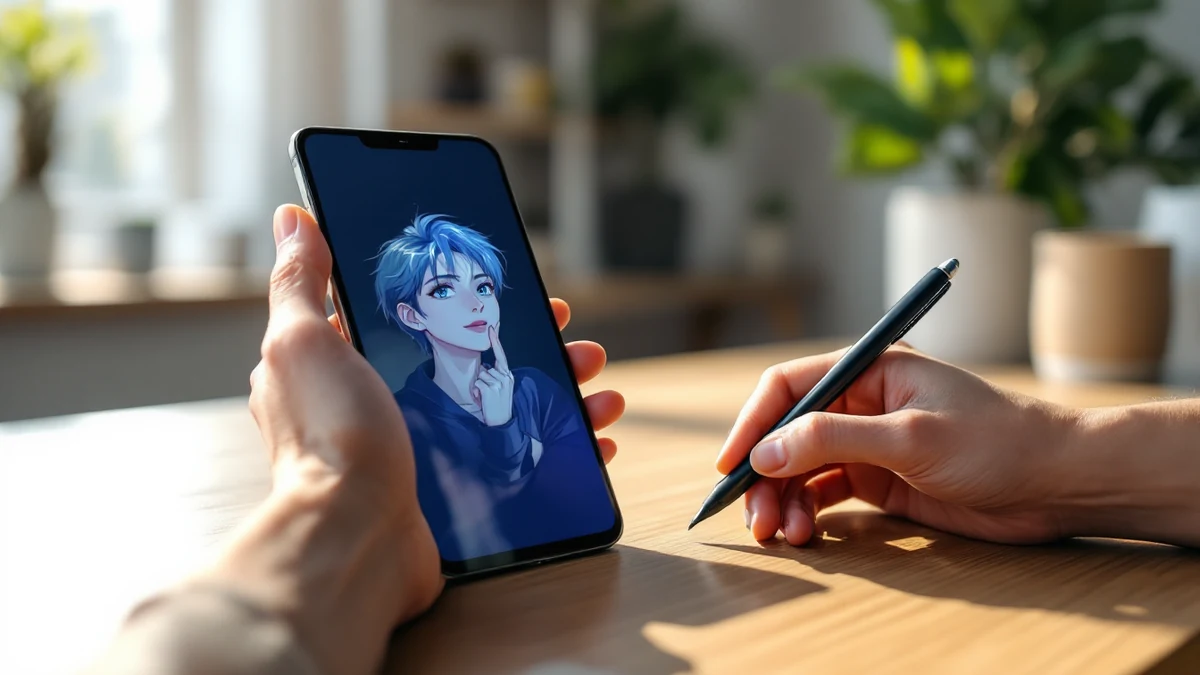
Generic photo enhancers ruin anime: they treat clean line-work like photographic texture and produce smudged, waxy results. Illustration needs a model trained on illustration.
AI Upscale ships a dedicated Anime mode — trained on anime, cartoons and digital art — that keeps lines sharp, gradients smooth and colors flat where they should be flat.
Fix it in minutes with AI Upscale
Free to try — no watermark on standard results.


Step-by-step
- Get the app. Download AI Upscale free from the App Store or Google Play.
- Pick a photo. Import any image from your camera roll, even old scans and screenshots.
- Choose mode & factor. Select Anime mode, then choose your factor — 2× for wallpapers, 4×+ for prints and posters.
- Enhance & save. Let the AI work for a few seconds, compare before/after, then save or share.
Pro tips
- Works on low-res manga panels, AI-generated art and old wallpaper rips alike.
- If a piece mixes photo and art, try both Anime and General mode and keep the better result.
Try it on your own photos
Free to try — no watermark on standard results.